
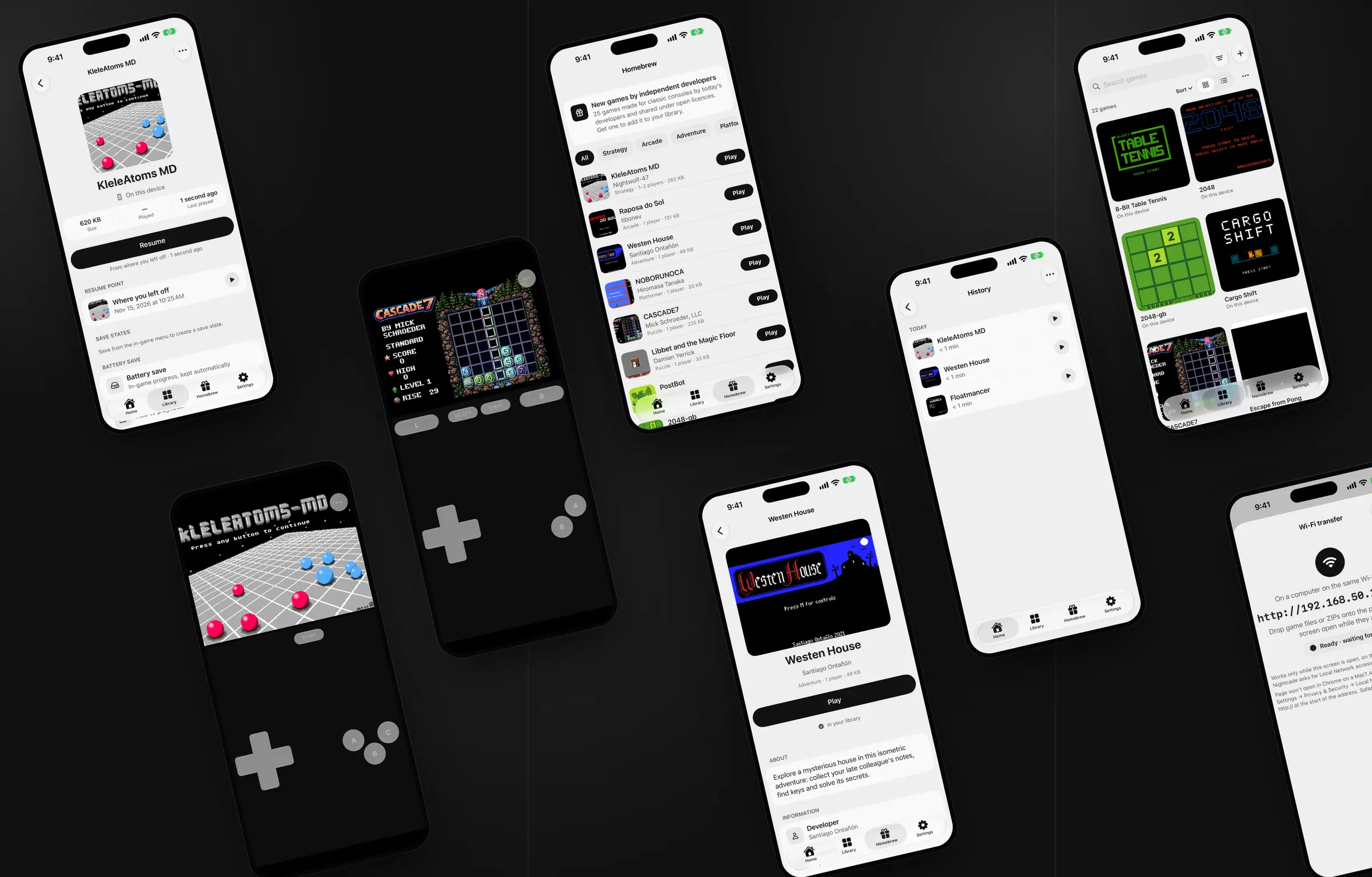

Nightcade
A product by Nightaris
Classic Consoles & Handhelds
Your retro games, ready to play
Nightcade plays the retro games you own, from 8-bit consoles to 32-bit discs, on iPhone, iPad, Mac and Apple TV.
Nightcade does not include commercial games. Play only games you own or that are licensed for you to use.
Made for the games you already have
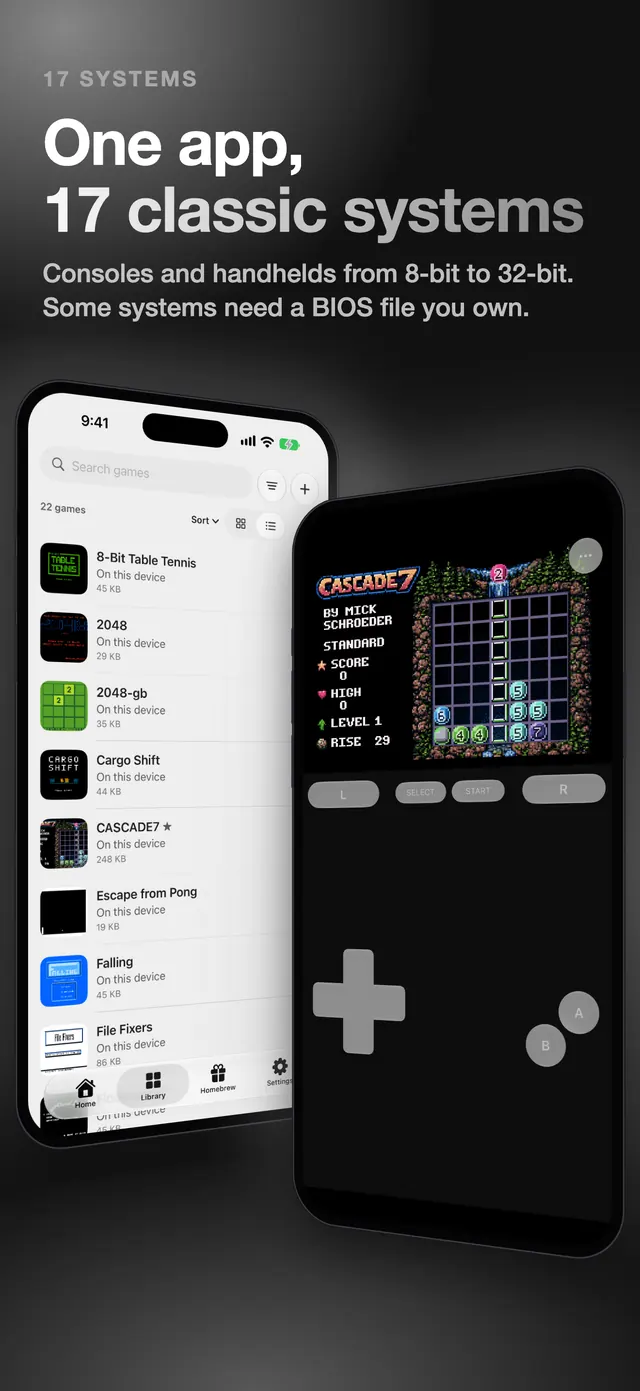
17 classic systems
Consoles and handhelds from 8-bit to 32-bit, recognised from the file. Some need a BIOS file; open replacements are included where they exist. Apple TV plays 13 of the 17, because it cannot add BIOS files.
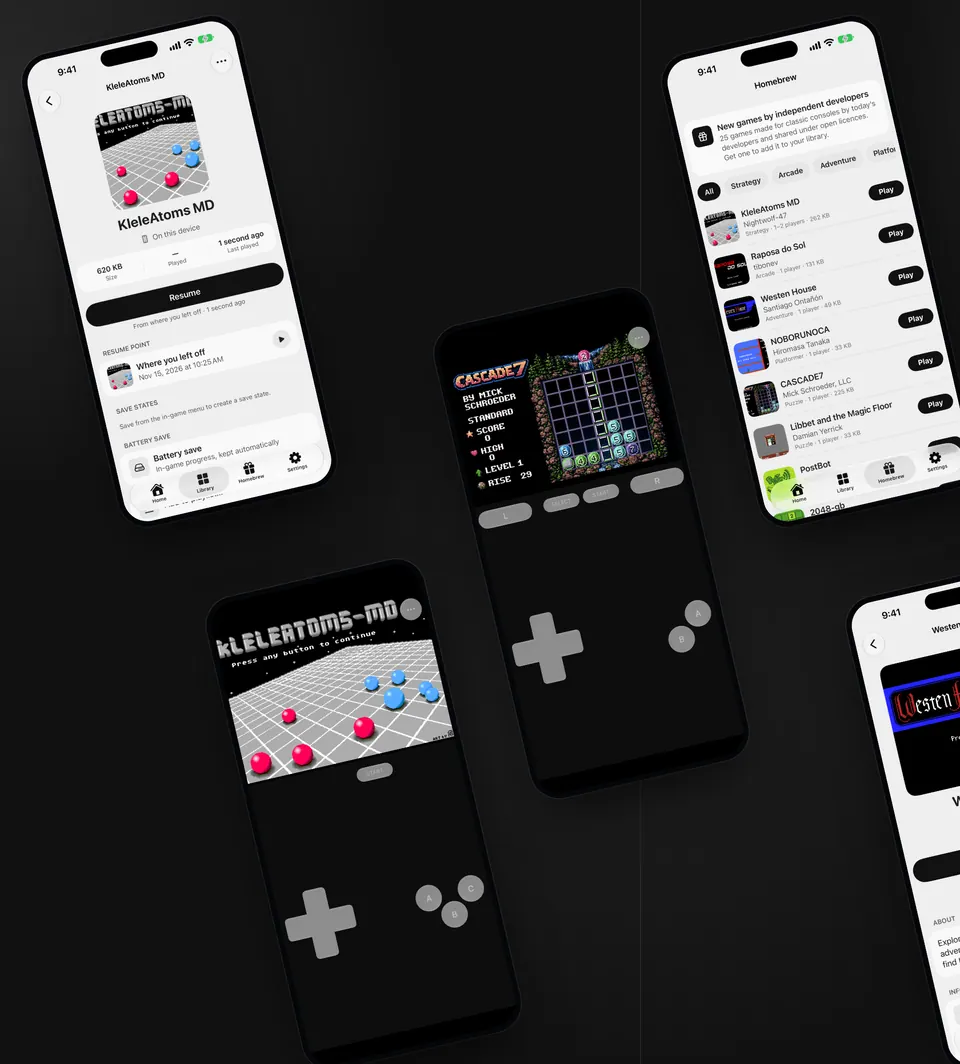
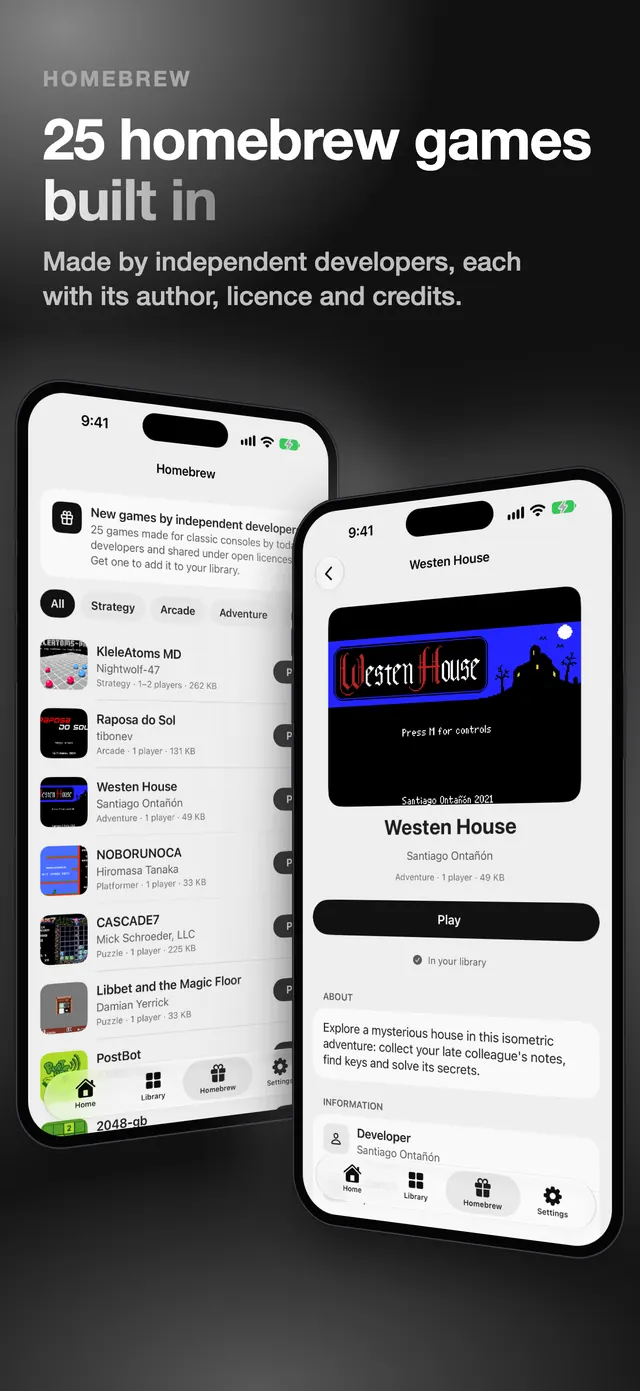
25 homebrew games built in
New games by independent developers for old consoles, each with its author, licence and credits. Add one with a tap.
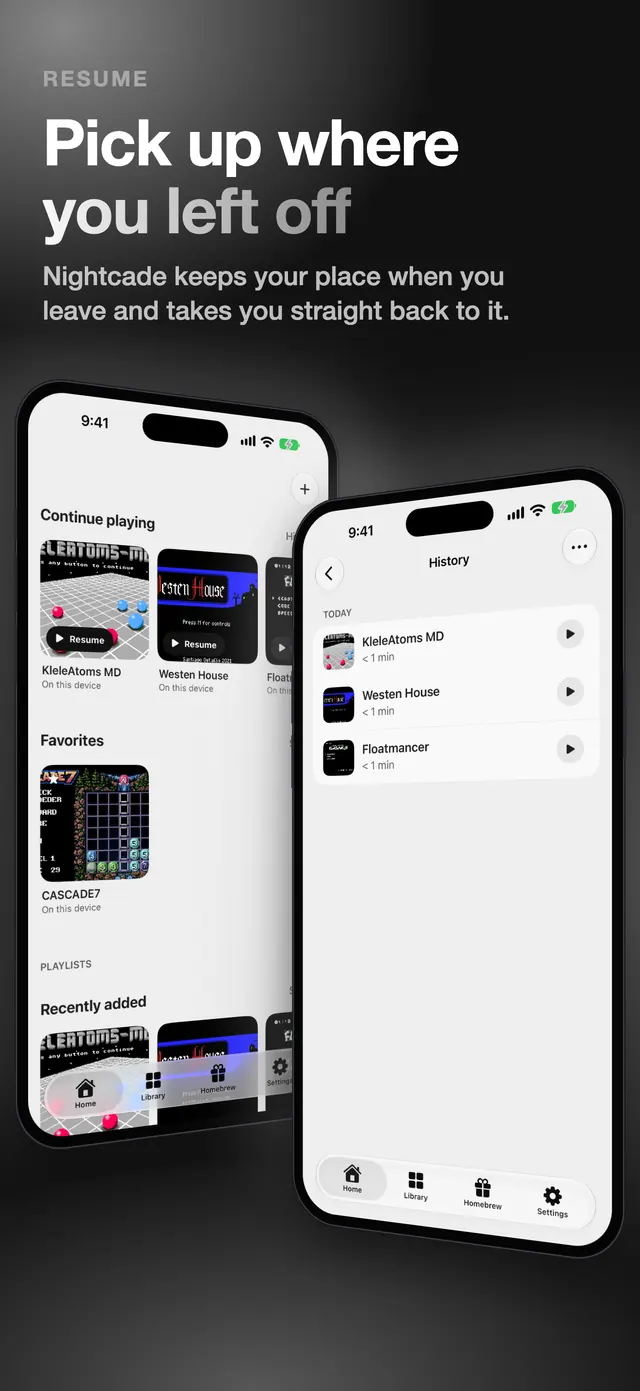
Your place is always kept
Leave a game any time and Nightcade takes you straight back. Save states, battery saves and an iCloud backup of your saves keep the rest.
Play
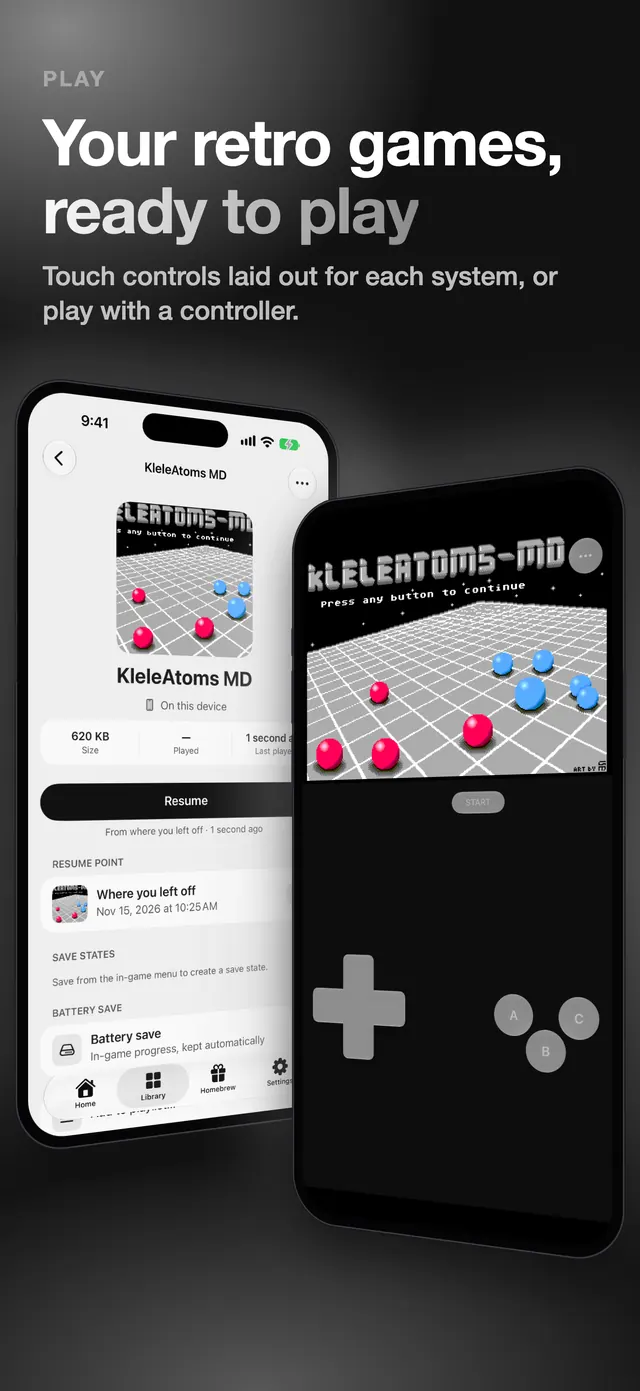
Touch controls made for each system
On iPhone and iPad every system gets a layout of its own touch buttons, in portrait and landscape. If you prefer real buttons, connect a game controller on any device.
- Touch controls laid out for each system (iPhone and iPad)
- Game controllers, and your phone as a controller for Apple TV
- On iPhone and iPad, play on a TV with AirPlay while the phone keeps the controls
Homebrew
25 homebrew games built in
Homebrew games are new games made by independent developers for old consoles. Nightcade includes 25, shared under licences that allow it.
- Each game shows its author, licence and credits
- Tap Get or Play: nothing to find, download or import
- Puzzle, arcade, platformer, adventure and more
Library
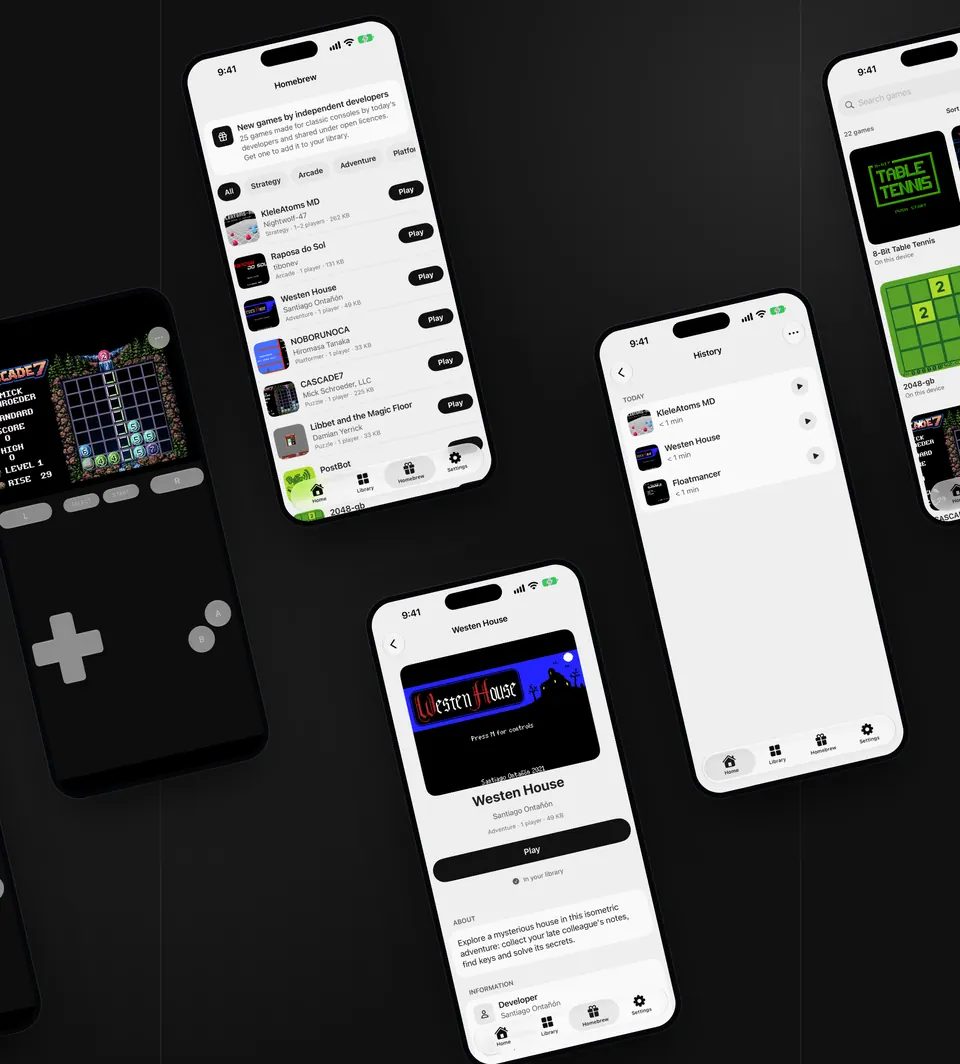
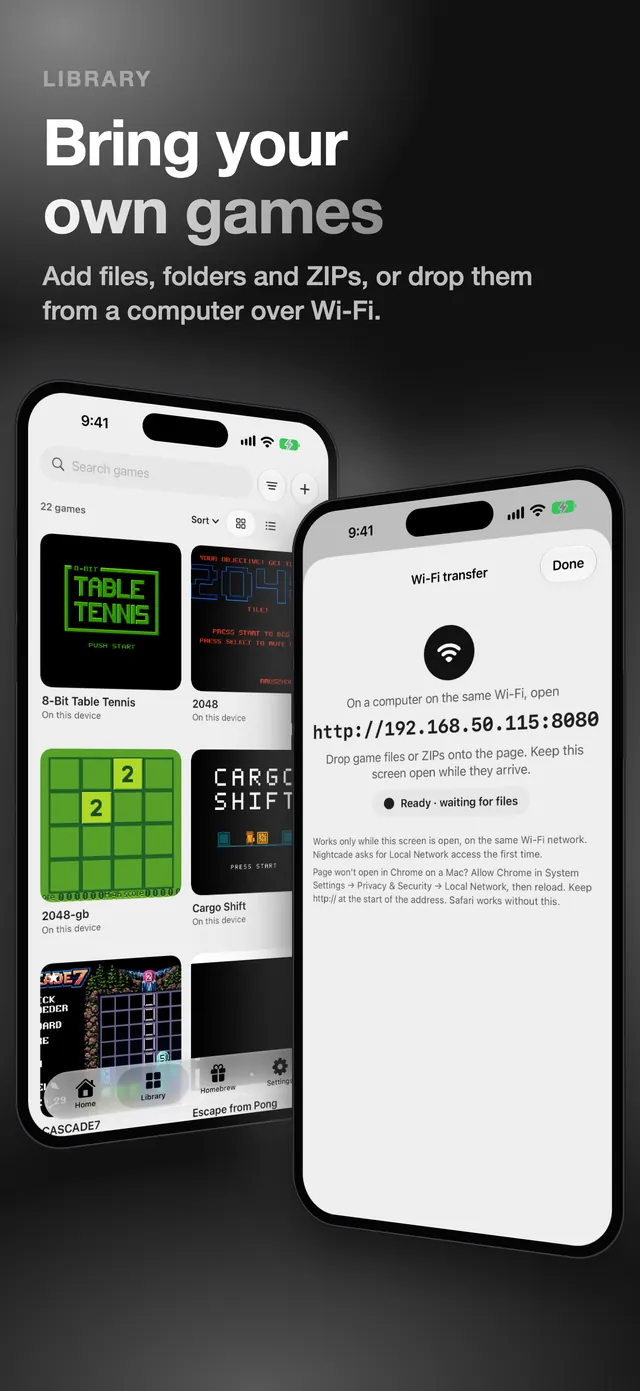
Bring your own games
Add game files you own and Nightcade recognises the system from the file. Nothing is sold or suggested: your library is yours.
- Add files, folders and ZIPs from Files (iPhone and iPad)
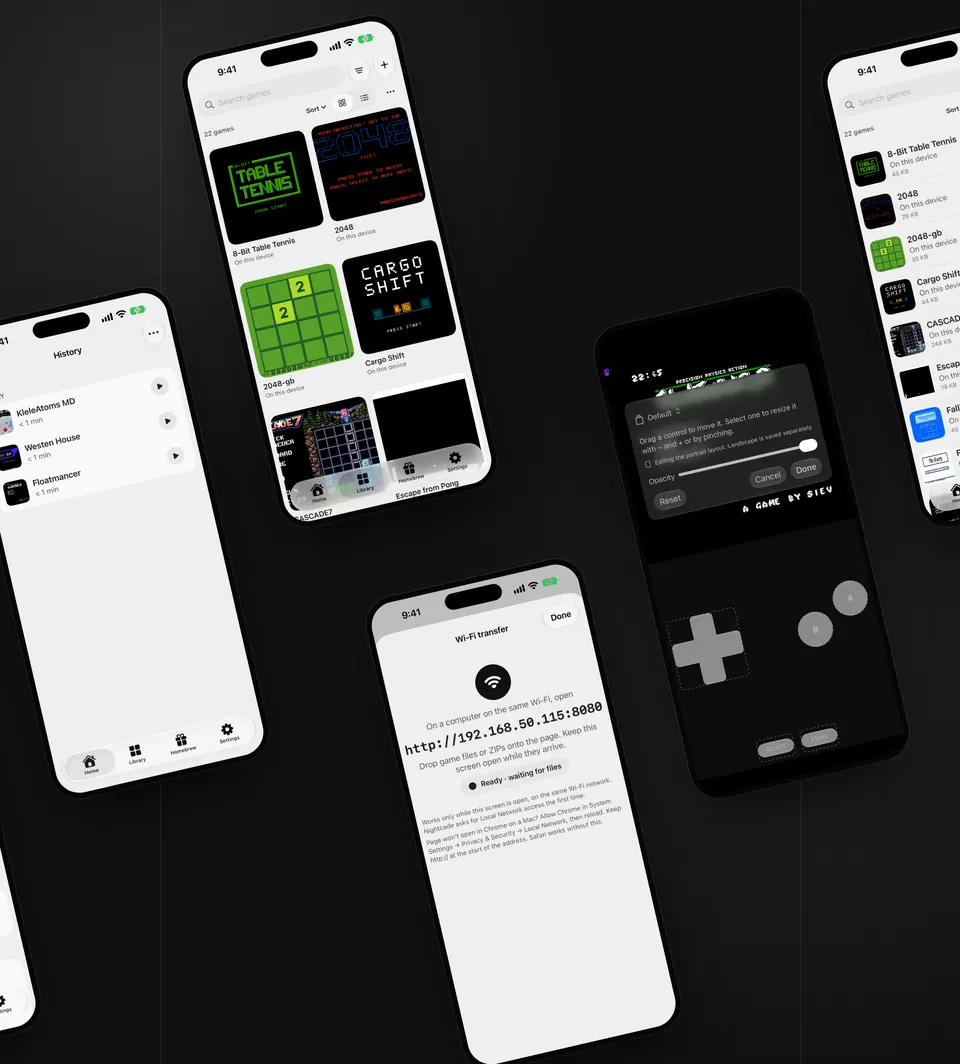
- Drop games from a computer over Wi-Fi (iPhone, iPad and Apple TV)
- Multi-disc games are grouped into one, with Change disc in the game menu
17 systems
One app, 17 classic systems
Consoles and handhelds from 8-bit to 32-bit, in one library, each with controls that fit it.
- Recognised from the file, so there is nothing to choose
- Nightcade includes open BIOS replacements where they exist
- For the other systems, add the BIOS file you own in Settings (iPhone, iPad and Mac)
- Apple TV plays 13 of the 17: the four systems that need a BIOS file you add are not available there
Resume
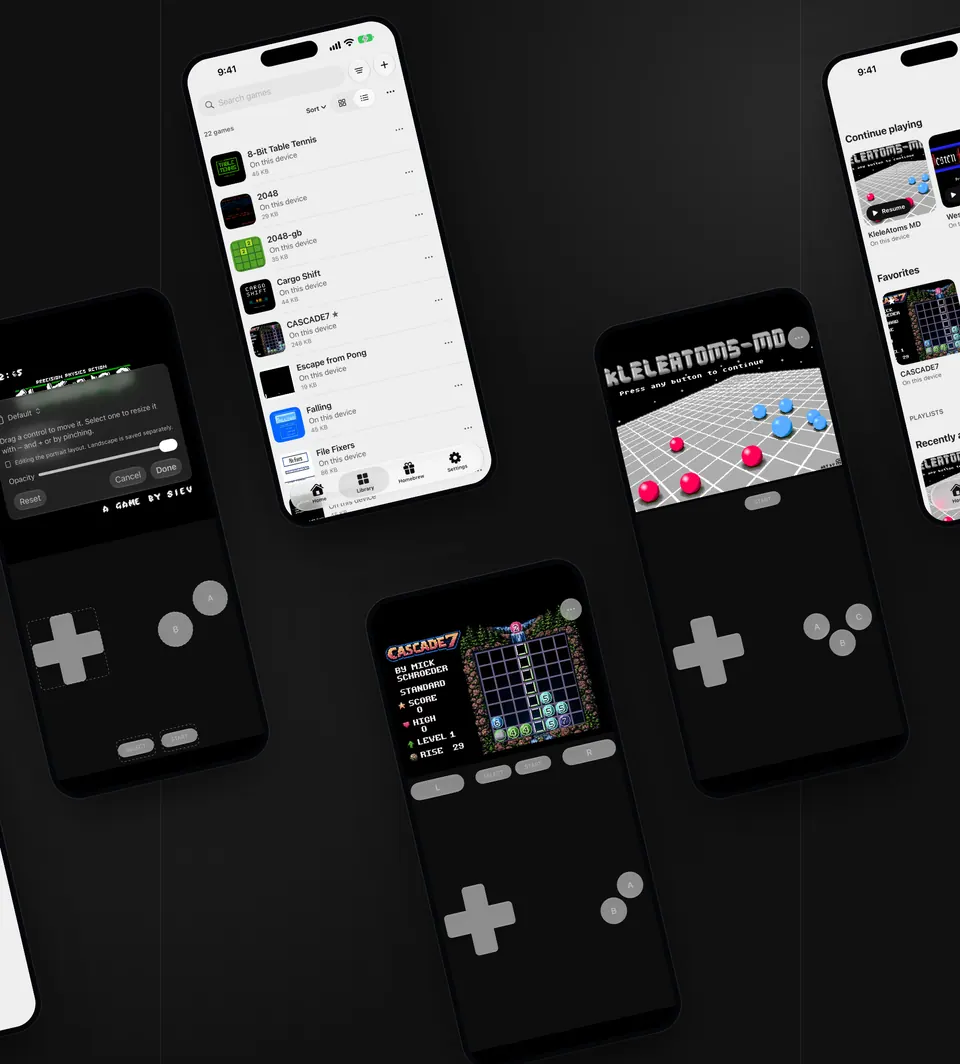
Pick up where you left off
Nightcade keeps your place when you leave a game and takes you straight back to it.
- Your place is kept every time you leave a game
- Save states with a picture of the moment; in-game battery saves are kept automatically
- Back up your saves and settings to iCloud
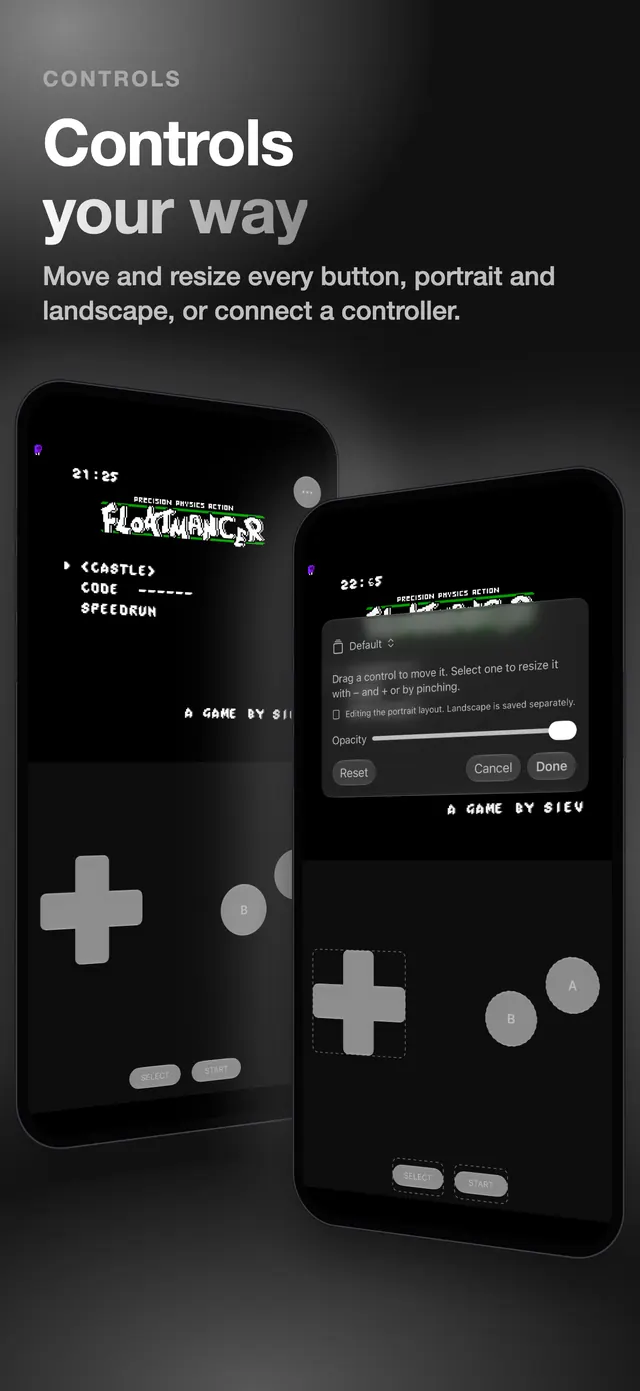
Controls
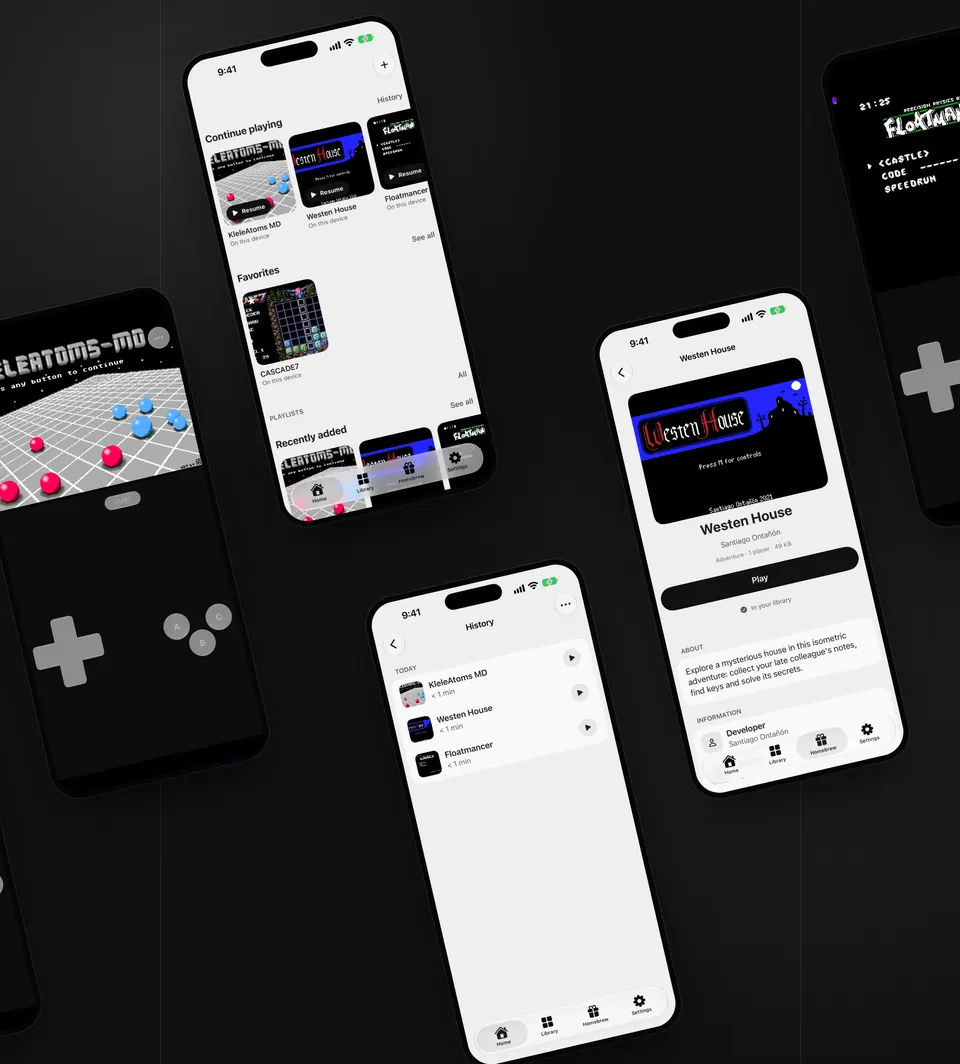
Controls your way
Put every button where your thumbs are, or connect a controller.
- Move and resize every touch button, separately for portrait and landscape (iPhone and iPad)
- Choose a skin, haptics and the screen filter
- Connect a game controller; most Bluetooth controllers work
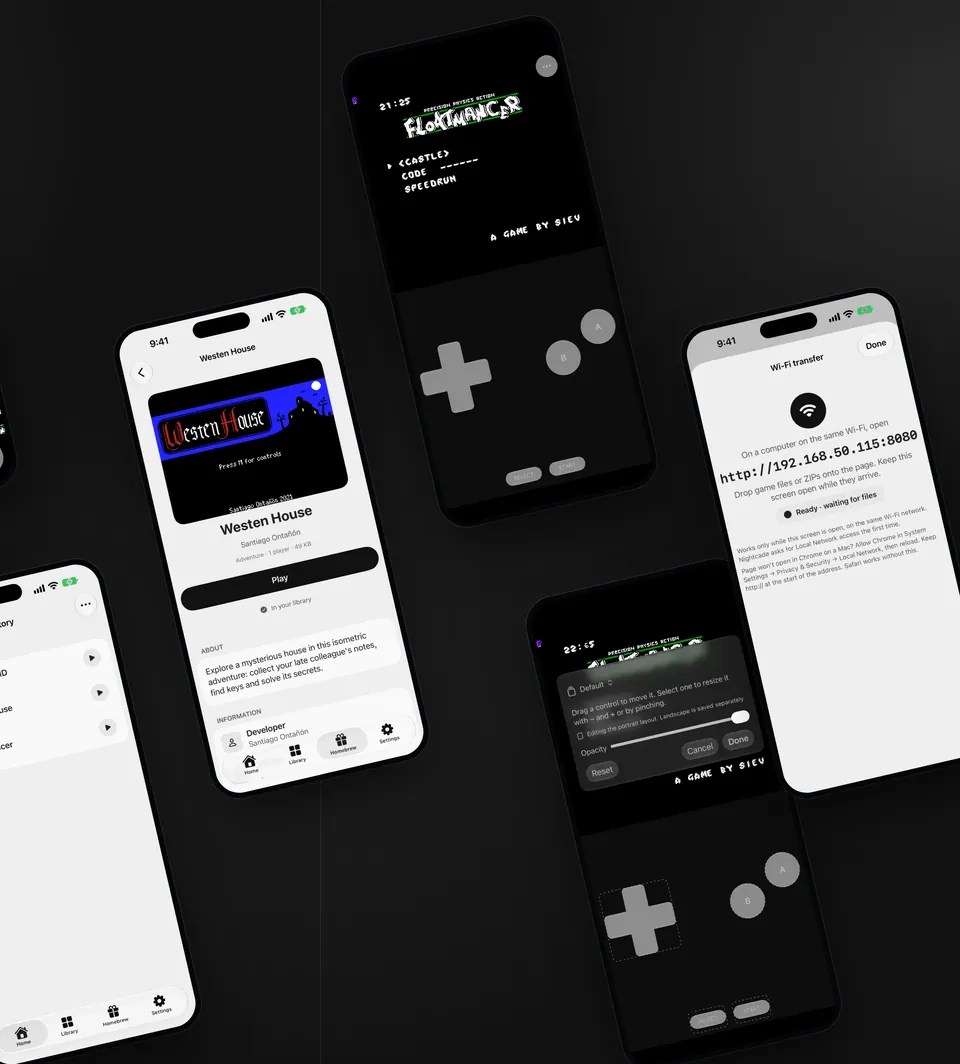
Nightcade in the App Store
The six screenshots from the App Store listing.
Your games stay on your device
Nightcade needs no account, and we run no server for it. What it does and does not send is written out in full in the privacy policy.
- No account and no sign-in.
- Games, saves and settings stay on your device. Settings and saves are also backed up to your own iCloud, which we cannot see, unless you turn that off; game files too, if you choose that with the one-time purchase. Wi-Fi transfer and Phone as controller stay on your local network.
- No separate analytics or crash-reporting service is built into the app. Google's ad SDK on iPhone and iPad collects its own technical data, described in the privacy policy.
- On iPhone and iPad, ads come from Google AdMob and load only when Google's consent status allows it; the consent message and the tracking prompt appear where they apply. There are no ads on Mac or Apple TV.
What is free, and what the one-time purchase adds
Free
- Play every game you add, and all 25 homebrew games
- Touch controls (iPhone and iPad), game controllers, and Wi-Fi transfer (iPhone, iPad and Apple TV)
- Your place, battery saves and one save slot for each game
- Backup of your saves and settings to iCloud
- Up to 3 playlists besides Favorites
- On iPhone and iPad, ads
One-time purchase
- Removes the ads on iPhone and iPad
- More save slots
- Fast forward and linked folders, to play games where they are (iPhone, iPad and Mac)
- Named control-layout profiles (iPhone and iPad)
- Game backup in iCloud
- Screen filters, plus skins and turbo buttons for touch controls
- Unlimited playlists
One purchase, paid once, for every device on your Apple Account. The price is shown in the App Store.
Questions
Does Nightcade include games?
It includes 25 homebrew games from independent developers, each shared under a licence that allows it. It includes no commercial games. You add game files you own; Nightcade does not suggest or link to where to get them.
Which systems does it play?
17 classic consoles and handhelds on iPhone, iPad and Mac, from 8-bit consoles to 32-bit discs. Nightcade recognises the system from the file you add. Apple TV plays 13 of them: the four that need a BIOS file you add cannot be added there.
Do I need a BIOS file?
Some systems do. Nightcade includes open replacements where they exist. For the other systems, add the BIOS file you own in Settings → System files on iPhone, iPad or Mac. Apple TV cannot add BIOS files.
How do I add my own games?
On iPhone and iPad: from Files (single files, ZIPs and folders), from a link, or from a computer over Wi-Fi. On Apple TV: from a computer over Wi-Fi. The step-by-step guide shows each way on iPhone.
What does the one-time purchase change?
It removes the ads on iPhone and iPad and adds more save slots, game backup in iCloud, screen filters, unlimited playlists and, for touch controls, skins, turbo buttons and named layout profiles. Fast forward and linked folders are on iPhone, iPad and Mac. What it includes can differ by device.
Does it work without a connection?
Yes, games run on your device. A connection is used for ads (iPhone and iPad), the App Store (the purchase, restoring it, checking for a new version), iCloud backup, and importing from a link. Wi-Fi transfer and Phone as controller use your local network.
Which devices does it run on?
iPhone, iPad, Mac and Apple TV. One purchase covers every device on your Apple Account, though some features differ by device, as noted above.
Pick up your retro games
Nightcade is made for iPhone, iPad, Mac and Apple TV.
Download on theApp Store